A real terminal
Fast emulation, a key bar made for touch, snippets, jump hosts and strict host key checks. Run one command on many servers, and open a Windows desktop when SSH isn't enough.
Terminal · Servers · Vault
Open a real terminal, see what every server is doing, watch its logs live, and keep your passwords, codes and passkeys beside them. Zedlin runs on your phone and your computer, on your own or with your whole team.
In early access · iPhone, iPad, Windows and Linux
$ ssh deploy@web-01
Host key verified (ED25519)
Connected through bastion-eu
$ systemctl is-active nginx postgresql
active
active
$ docker compose ps
NAME STATUS
api Up 3 days (healthy)
worker Up 3 days (healthy)
$
What it does
One app instead of a terminal, a monitoring dashboard and a password manager that don't know about each other.
Fast emulation, a key bar made for touch, snippets, jump hosts and strict host key checks. Run one command on many servers, and open a Windows desktop when SSH isn't enough.
Metrics, live logs, processes, services, Docker, cron, users, firewall and files for Linux, Windows and macOS servers, with no agent to install.
Passwords, one-time codes and passkeys beside your servers. AutoFill on iPhone, a Chrome extension on your computer, and a safe way to share them with your team.
Terminal
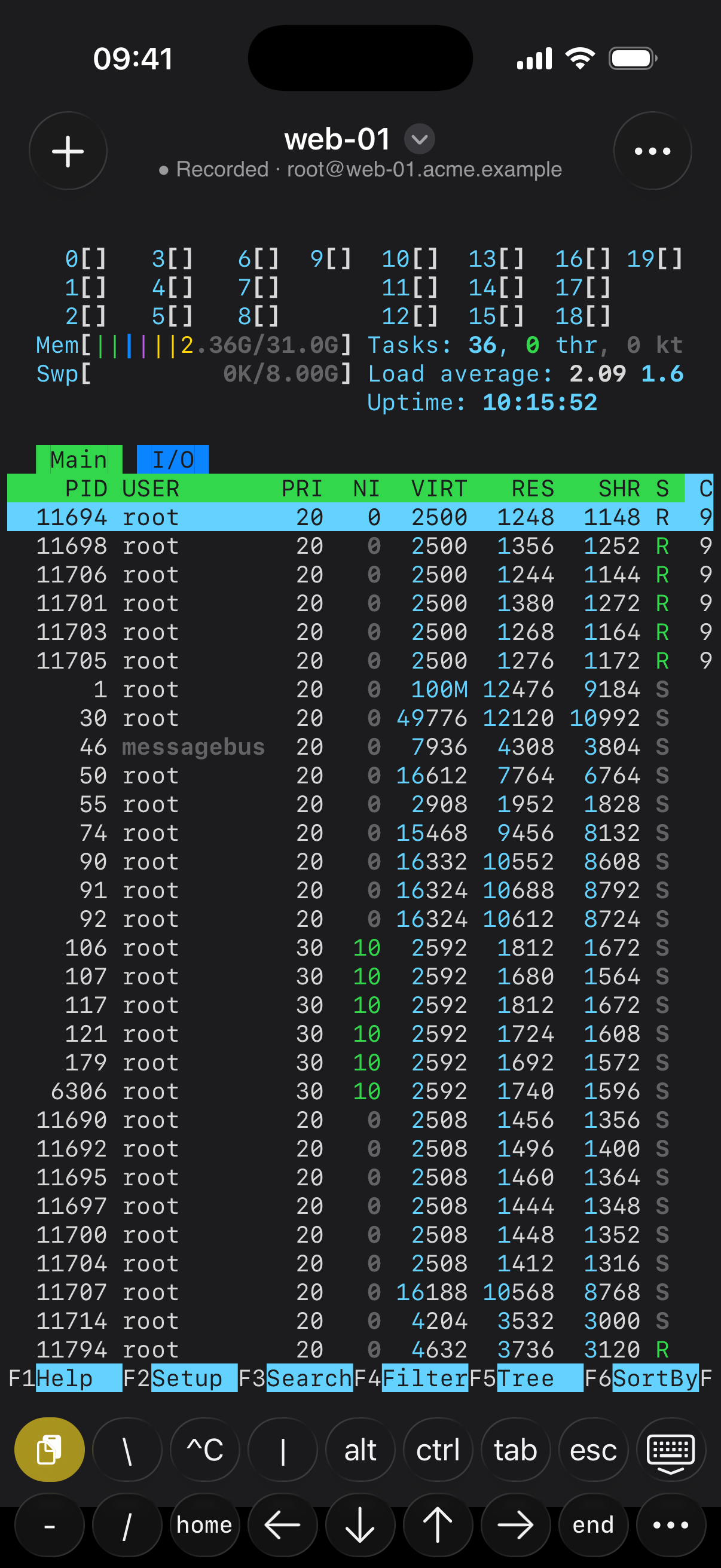
The terminal keeps up with full-screen tools like htop and vim, and the key bar puts the keys a phone keyboard hides one tap away.
Servers
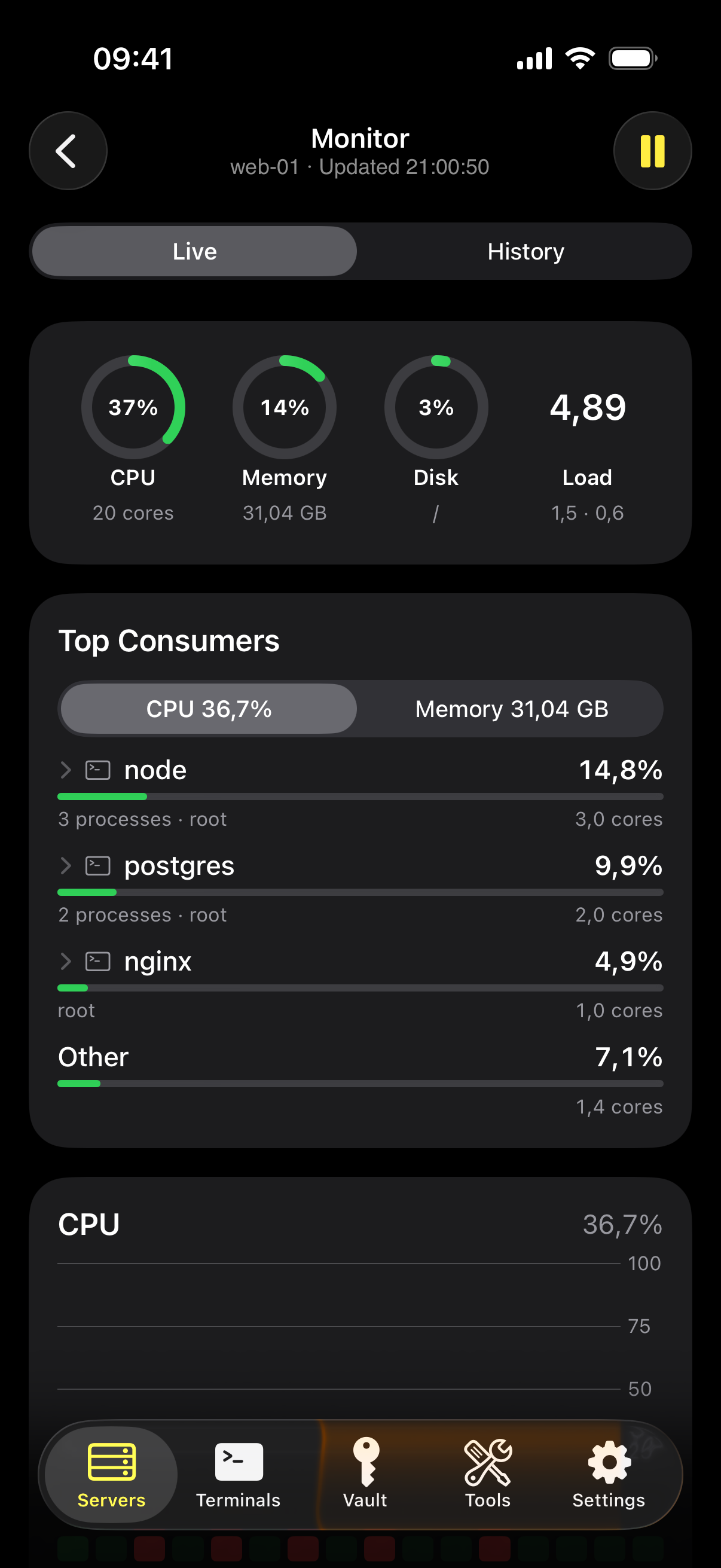
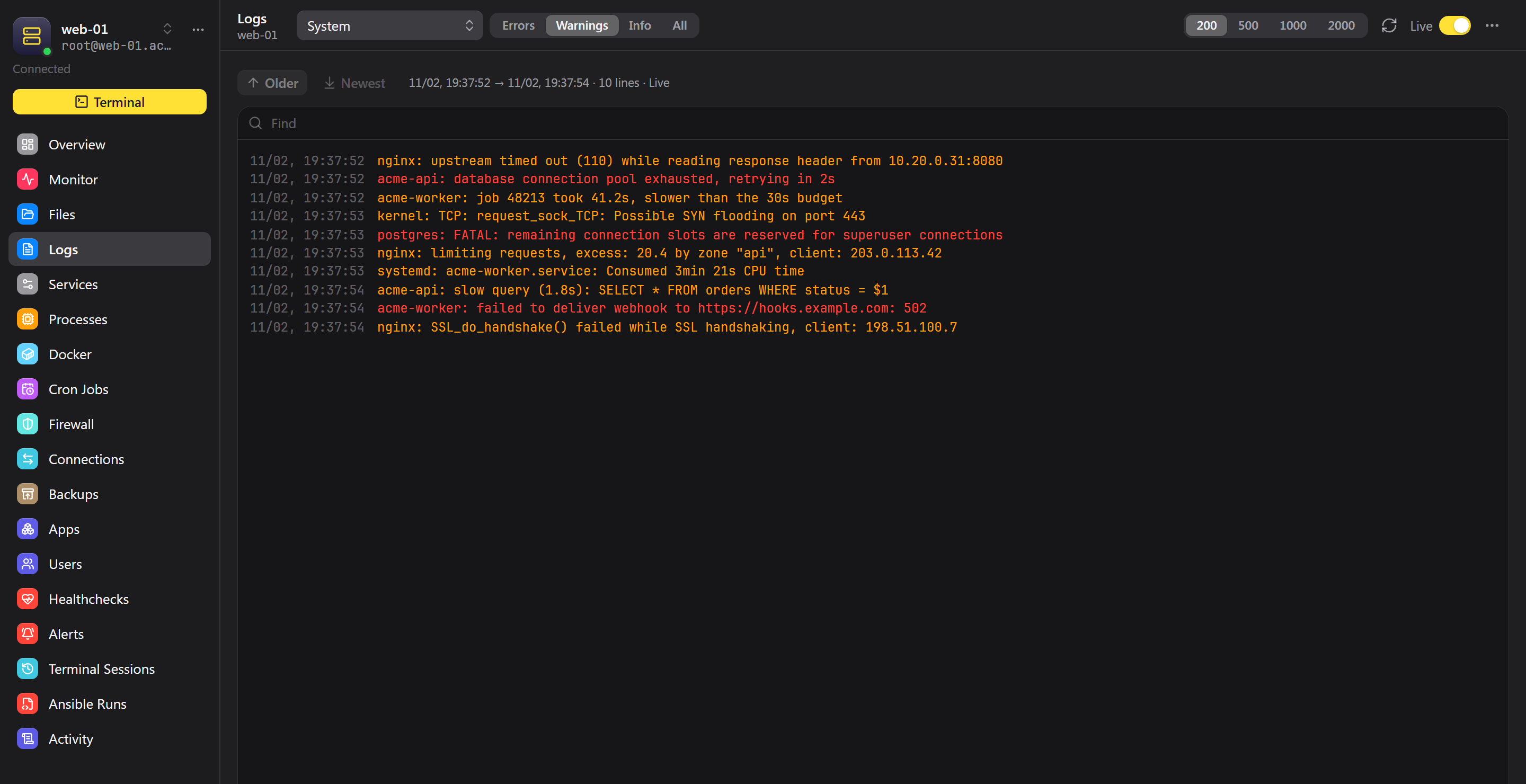
Open a server to see how it is doing, follow any log as it is written, then act on what you see without remembering the command.
Vault
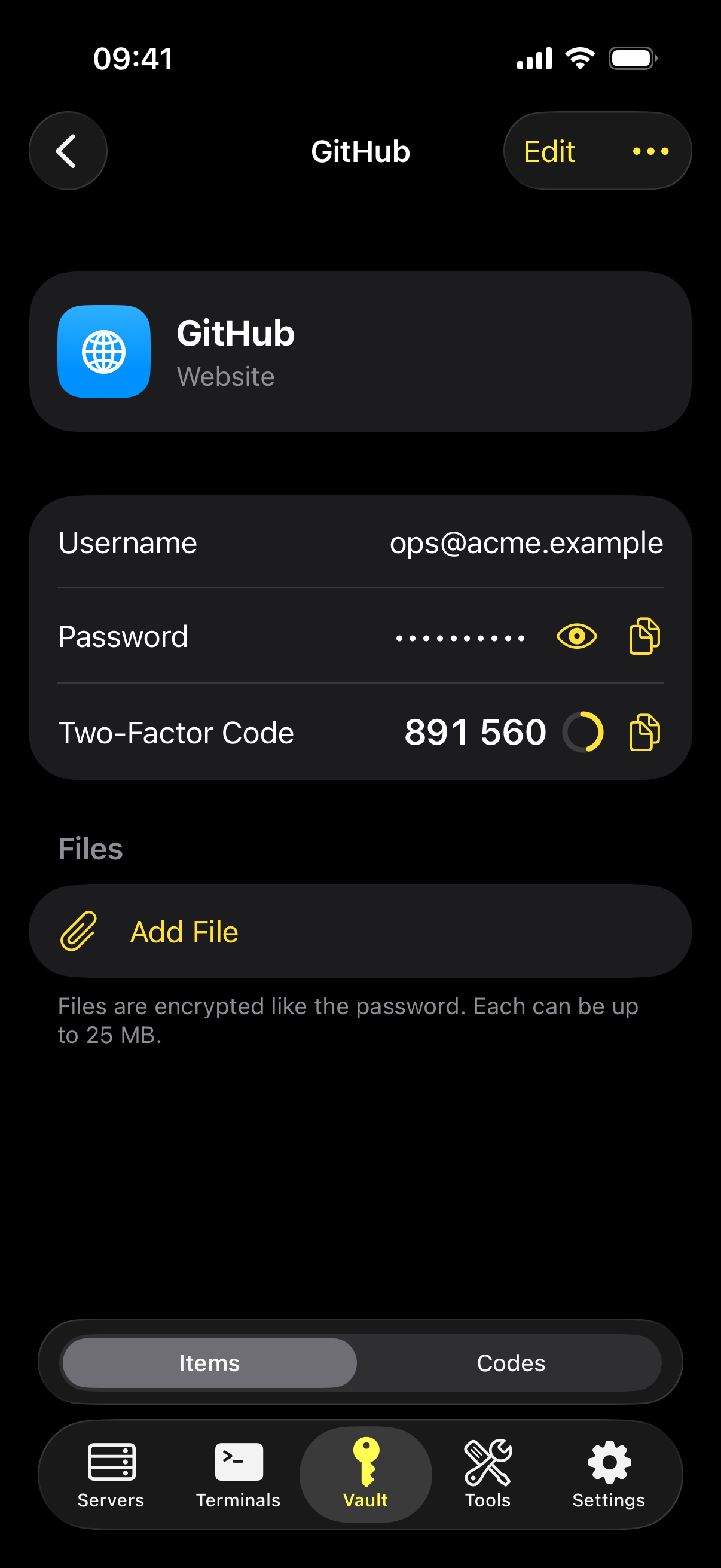
Logins live in the same encrypted workspace as your servers. Zedlin fills them in, generates your codes and tells you which passwords to change.
Explore Zedlin
Everything you run your servers with, and the secrets that go with them. Pick a place to start.
Terminal, live metrics and logs, services, Docker, files and Remote Desktop.
Passwords, codes and passkeys, with AutoFill and team sharing.
Tabs and split view, a CLI, an SSH agent and a Chrome extension.
Healthchecks and metrics around the clock, delivered where you want them.
Versioned playbooks that run from any device, with no control node.
Versions, deployments, checks and Sentry-compatible error tracking.
Analyse iptables across every server and change it safely in one place.
Who is knocking, what they would find, and one click to block them.
Reach servers and services with no public address.
Scheduled restic backups you can browse and restore.
Your own server, recorded sessions and clear permissions.
How your data is protected, and where the protection stops.
Two ways to use it
The same app works in both, and you can keep personal and team workspaces side by side.
No server needed
Your device connects to your servers directly. Your workspaces are end-to-end encrypted, and Zedlin Sync keeps them in step across your iPhone, iPad and computers.
Your own Zedlin server
One Docker image on a host you control. It holds the credentials and connections, watches your servers around the clock and runs the work, so everyone sees the same picture.
Security
Your servers, keys and passwords are the most sensitive things you own. In Zedlin, secrets open only when your approval device says so.
Workspaces are encrypted on your device before they sync. Zedlin Sync stores only ciphertext it cannot open.
Opening a server or a secret on a computer asks your iPhone for Face ID. YubiKey and Windows Hello can approve too.
Keys live in the Secure Enclave, a TPM or a YubiKey. A stolen session or approval doesn't work on another machine.
Terminal, metrics, logs and services work over plain SSH. Optional modules such as connection logs tell you what they install.
In team mode the Zedlin server runs where you put it. Connections, metrics and team secrets stay with you.
Team servers record sign-ins, changes and approvals, and can keep a replayable recording of every session.
Platforms
The full app, AutoFill and team servers. Your iPhone is also your approval device.
The desktop app with tabs, a code editor, Remote Desktop, a CLI, an SSH agent and a Chrome extension.
Planned, with the same encrypted workspaces.
Something else on your mind? Write to support@zedlin.dev.
No. You need a Zedlin account and an iPhone. In a personal workspace your device connects to your servers directly, and Zedlin Sync keeps your encrypted workspaces in step. You only need a Zedlin server for team mode.
No. Personal workspaces are encrypted on your device, and Zedlin Sync stores only ciphertext. In team mode the data lives on the Zedlin server you run yourself.
Not for the terminal, metrics, logs, services, containers or files; those use plain SSH. A few optional team modules put something on the host when you turn them on: connection logs use a small collector, and file backups copy the restic binary.
So that malware on your computer can't empty your vault. The computer can't open secrets by itself; your iPhone approves with Face ID. You add a computer by scanning its QR code. A YubiKey or Windows Hello can also approve once your iPhone is set up.
Another approval device can carry on. If you have none left, you can recover with your master password on a new iPhone after a 24-hour wait, during which your other devices are told and can stop it. If you lose your devices and your master password, your data can't be opened by anyone, including us.
Basic use will be free with limits, and a subscription will lift them. Limits and prices will be announced before the public launch.
Zedlin is in early access on iPhone, iPad, Windows and Linux. Write to us and tell us how you'd use it.